
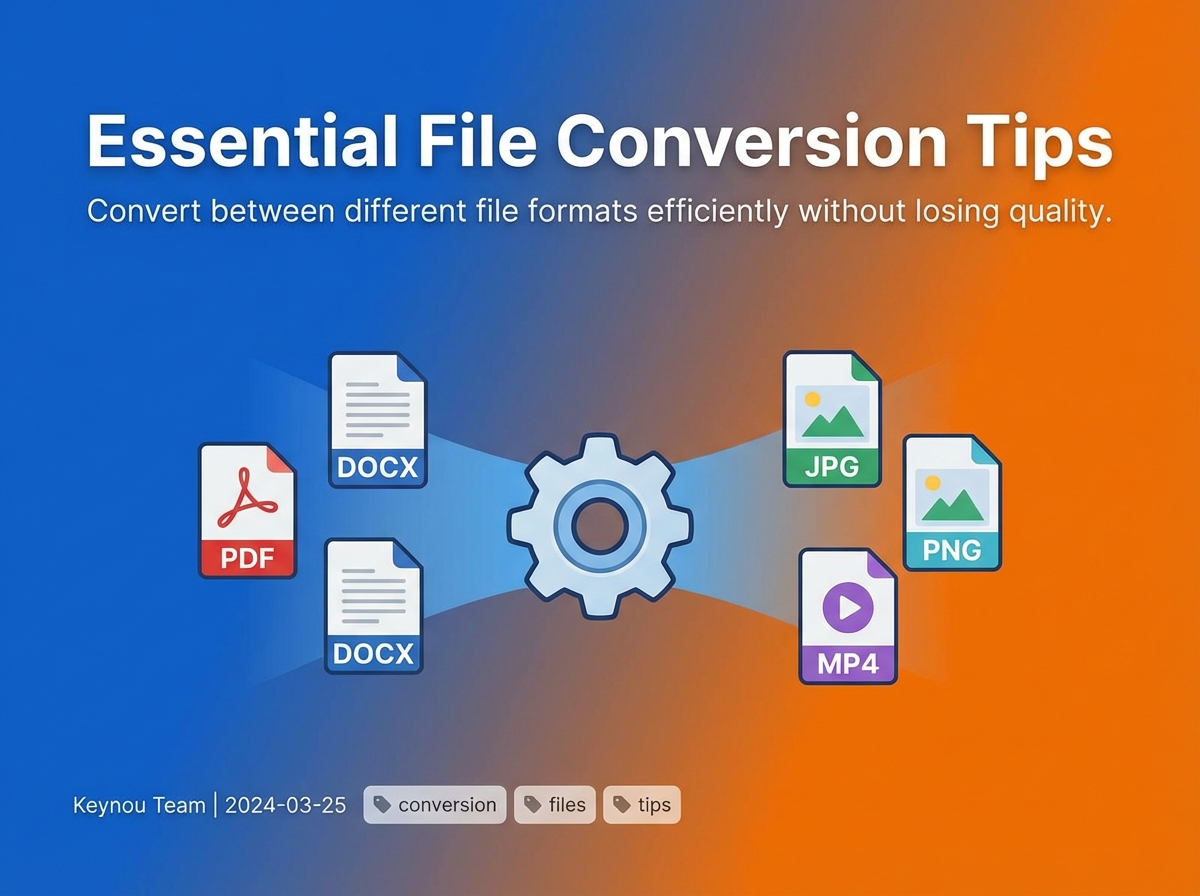
Essential File Conversion Tips
File conversion sounds simple… until it breaks your formatting, ruins quality, or just refuses to work.
This guide walks you through what to use, when to use it, and how to avoid common mistakes when converting files. Every recommendation uses tools available on keynou.com so you can get things done instantly.
🔄 1. Converting PDF to Editable Formats (Word, Excel)
When to use:
- Editing a PDF document
- Extracting text or tables
- Reusing content
Best approach:
Use a PDF to Word converter that preserves formatting.
👉 Use: https://keynou.com/tools/pdf/pdf-to-word
Tips:
- Avoid scanned PDFs unless OCR is supported
- Check formatting after conversion (tables usually need fixing)
- Use smaller files for faster processing
📄 2. Converting Documents to PDF (Universal Format)
When to use:
- Sharing files professionally
- Locking formatting
- Printing
👉 Use: https://keynou.com/tools/pdf/word-to-pdf
Tips:
- Always convert final versions to PDF
- Embed fonts if possible
- Check layout before sending
🖼️ 3. Image Format Conversion (JPG, PNG, WEBP)
When to use:
- Optimizing for web (use WEBP)
- Preserving quality (use PNG)
- Reducing size (use JPG)
👉 Use: https://keynou.com/tools/image/image-converter
Tips:
- Use WEBP for websites
- Use PNG for transparency
- Use JPG for photos
🗜️ 4. Compressing Files Before Conversion
When to use:
- Upload limits
- Faster sharing
- Website optimization
👉 Use:
- Images: https://keynou.com/tools/image/image-compressor
- PDFs: https://keynou.com/tools/compressor/pdf-compressor
- Videos: https://keynou.com/tools/compressor/video-compressor
Tips:
- Compress before converting large files
- Balance quality vs size
- Always preview output
🎬 5. Video Format Conversion (MP4, MOV, AVI)
When to use:
- Making videos compatible with devices
- Reducing file size
- Preparing for upload
👉 Use: https://keynou.com/tools/video/videoConverter
Tips:
- Use MP4 (H.264) for best compatibility
- Lower resolution for smaller size
- Keep bitrate optimized
🎵 6. Audio Conversion (MP3, WAV, FLAC)
When to use:
- Reducing file size (MP3)
- High quality (WAV/FLAC)
- Compatibility
👉 Use: https://keynou.com/tools/audio/audio-convertor
Tips:
- Use MP3 for sharing
- Use WAV for editing
- Use FLAC for lossless storage
📊 7. Data Format Conversion (CSV ↔ JSON)
When to use:
- Working with APIs
- Backend development
- Data transformation
👉 Use:
Tips:
- Validate JSON after conversion
- Watch for encoding issues
- Clean data before converting
🔐 8. Secure File Handling Before/After Conversion
When to use:
- Sensitive documents
- Client files
- Internal data
👉 Use: https://keynou.com/tools/file-encryptor
Tips:
- Encrypt before sharing
- Avoid uploading confidential files to unknown platforms
- Always verify deletion policies
⚡ Pro Workflow (Best Practice)
Instead of random conversions, follow this:
- Compress file (if large)
- Convert to required format
- Verify output
- Optimize (if needed)
- Share or store
🚫 Common Mistakes to Avoid
- Converting multiple times (quality loss)
- Using wrong formats (e.g., PNG for photos)
- Ignoring file size limits
- Not checking output formatting
- Using low-quality converters
🧠 Final Thoughts
File conversion is not just about changing formats. It’s about:
- preserving quality
- maintaining structure
- optimizing performance
Using the right tools from keynou.com ensures:
- fast processing
- clean output
- no unnecessary complexity
🚀 Start Converting
Explore all tools here:
👉 https://keynou.com/tools
No signup. No installation. Just get things done.

